Offline Scripture reading
Keep a bundled Bible translation on device for ordinary reading and search without a remote Bible API in the middle.
Private Bible study for iPhone and iPad
Read Scripture offline, keep notes and highlights on your device, build a daily rhythm, and ask verse-grounded Bible questions without a remote Bible chat server.
Free download. Bible AI: Ask Questions Pro is managed through Apple In-App Purchase.
Local-first study tools
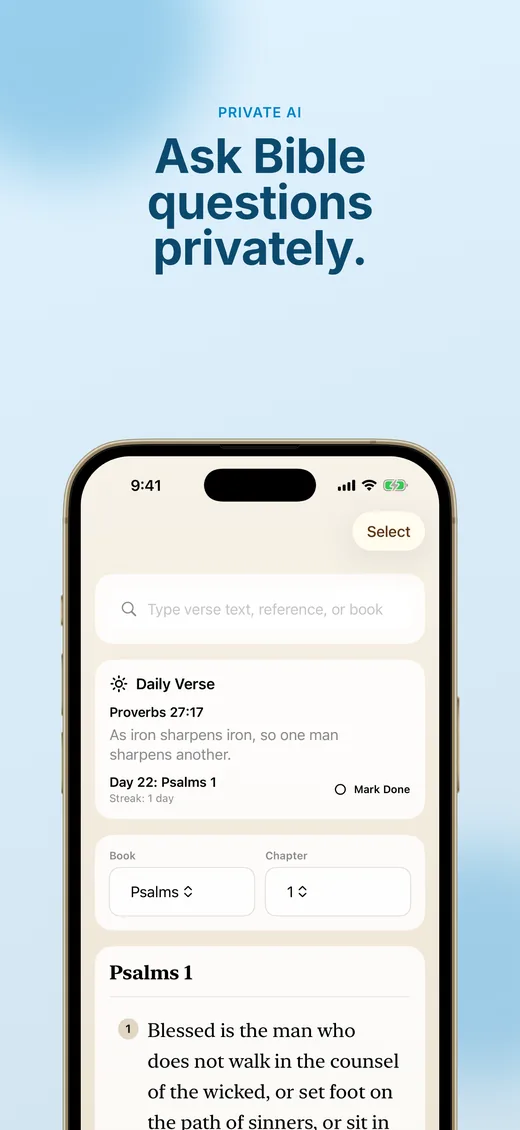
Bible AI: Ask Questions focuses on the everyday study loop: read, search, mark important verses, write notes, follow a plan, and come back tomorrow without needing an account.
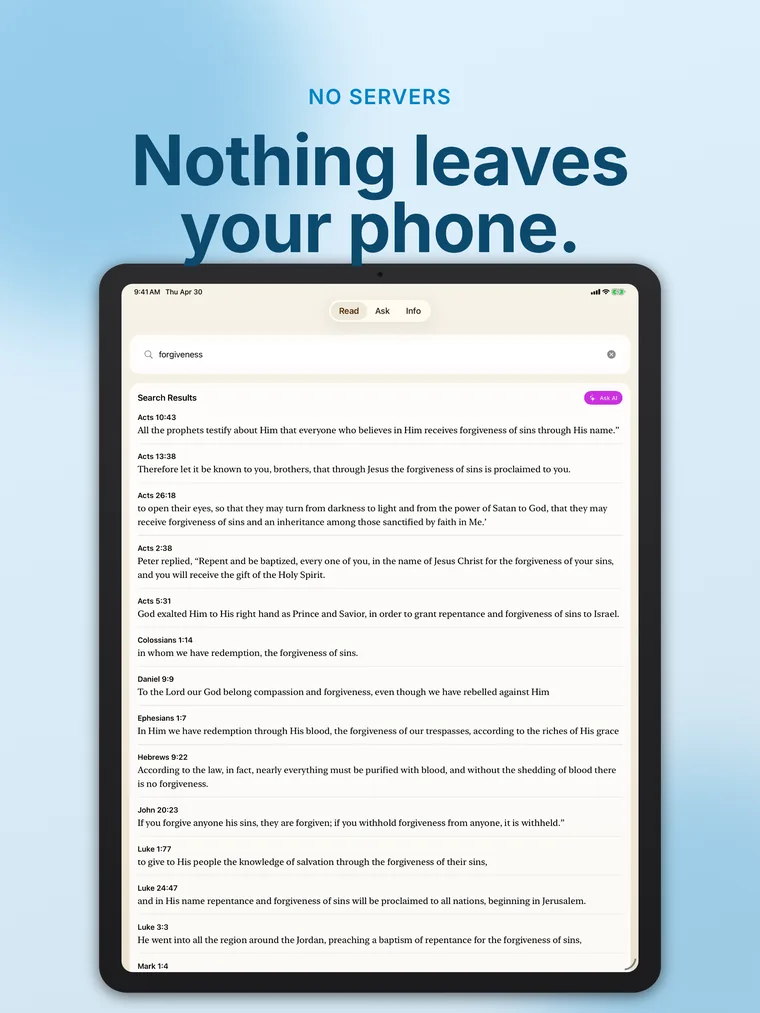
Keep a bundled Bible translation on device for ordinary reading and search without a remote Bible API in the middle.
Save the verses you want to revisit, organize study threads, and keep your own reading context close to the text.
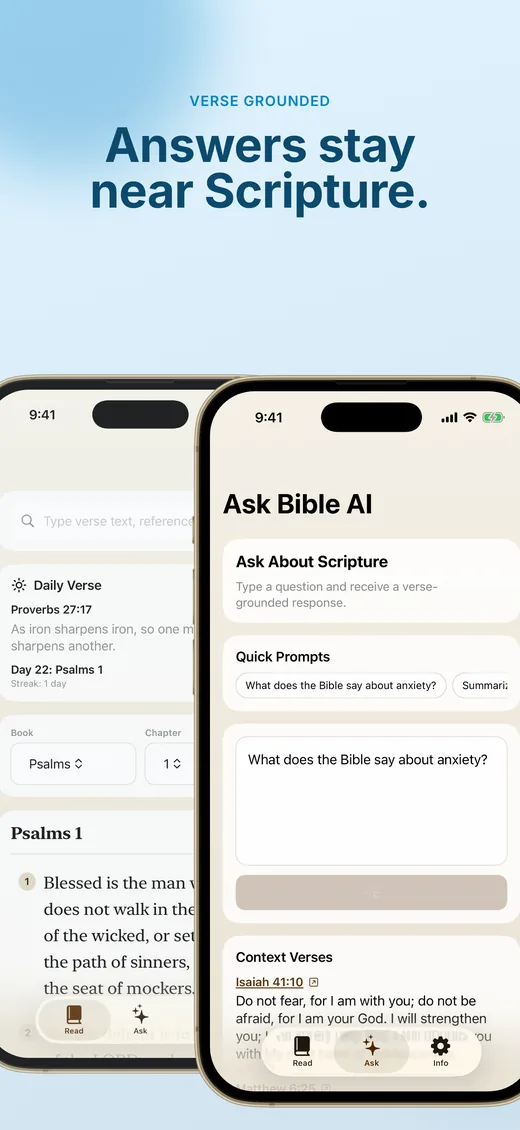
When on-device AI is available, Bible AI: Ask Questions can answer Bible questions with source-aware context instead of sending questions to a remote Bible chat server.
Private by design
Bible AI: Ask Questions stores reading position, notes, highlights, bookmarks, collections, and reading-plan progress locally. Subscriptions are handled through Apple In-App Purchase.
Support
For the fastest help, include your device model, iOS version, what you were trying to do, and any exact error text shown by the app.
Use the restore option in the paywall or App Store account controls if Bible AI: Ask Questions Pro does not appear after a purchase.
Bible AI: Ask Questions subscriptions are managed by Apple. Open iOS Settings, tap your Apple Account, then Subscriptions.
Ask Bible AI runs on-device when available. If it is unavailable, Bible AI: Ask Questions shows that state instead of using a remote fallback.
Download Bible AI: Ask Questions for iPhone and iPad from the App Store.